
I pay Payment and Withdrawal Guide
Binding UPI / Paytm
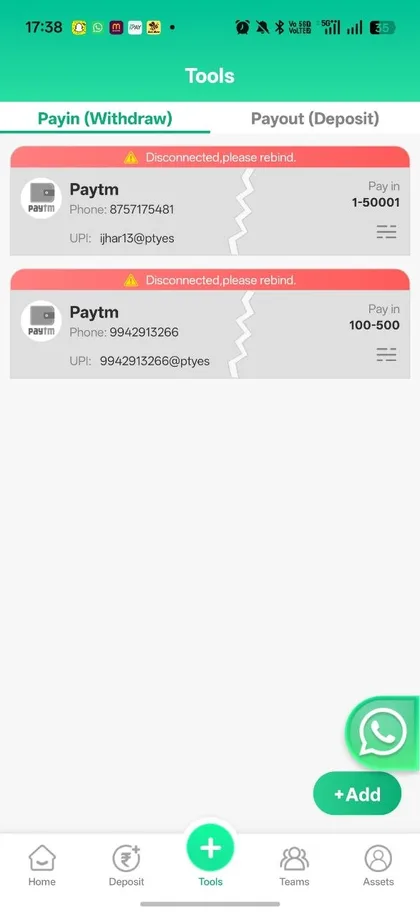
Go to Tools → Payin (Withdraw). Add your phone number and UPI ID (example format shown in app). Status will show connected or “Disconnected, please rebind”. You can add multiple accounts.
Buying Quota (Deposit side)
Select a range from the Buy list, tap BUY, and pay the exact amount to the UPI details provided inside the order. After confirmation the income (3.5%–4% + activity bonus) is credited.
Withdrawals
From the Assets page open Withdrawal. Enter the amount and confirm with your bound UPI. Ensure any Performance Quota requirements shown in the app are met. Processing time depends on verification and network.
Common issues: Disconnected UPI → rebind under Tools. Pending status → wait or contact in-app support / official Telegram.